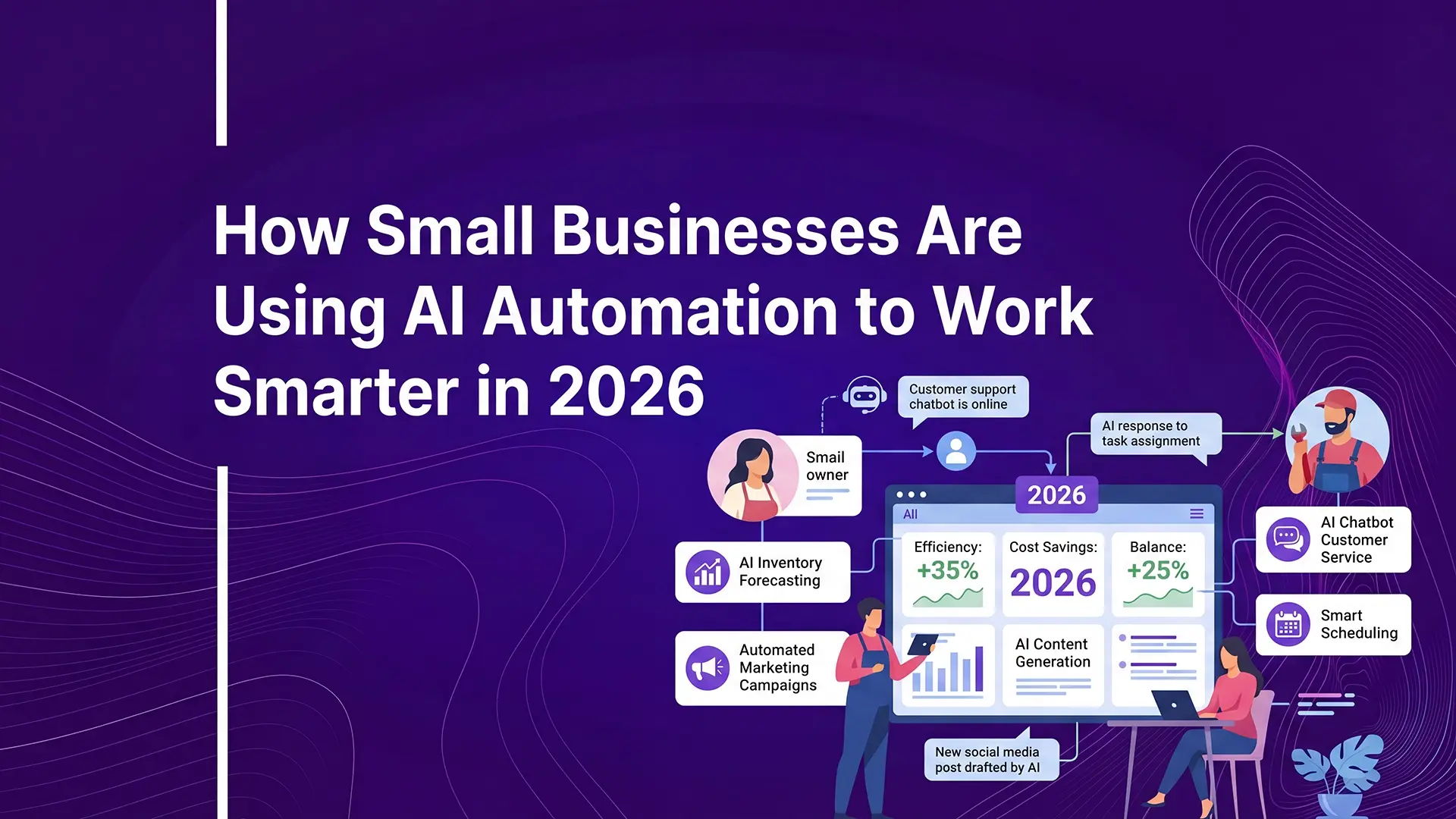
How Small Businesses Are Using AI Automation to Work Smarter in 2026
Know how AI automation is helping small businesses save time, reduce cost, and grow faster in 2026. Learn the tools, strategies, and first steps to get started.
How Small Businesses Are Using AI Automation to Work Smarter in 2026
There’s little that cannot be done with AI in 2026. AI automation for businesses has emerged as a golden opportunity by helping reduce costs and quickening workflow. Explore how you can use AI in your small business.
What AI automation actually means (and how it’s different from basic automation?)
AI automation is the process of automating tasks and recurring procedures by using advanced technologies like Machine Learning (ML), Natural Language Processing (NLP), and Large Language Models (LLMs).
Traditionally, it involved rule-based systems; however, in the past few years, AI adaptive systems have become the driving force.
Rule-based systems are:
- Precisely laid out by humans; rigid.
- Every action has a traceable trail.
- Best for repetitive tasks with a standardized procedure.
Whereas AI adaptive systems are:
- Real-time models that learn from user interactions and data examples.
- Difficult to trace; output is often based on probability.
- Best for dynamic operations. Commonly used in healthcare, finance, and e-commerce for analysis and personalization.
The Highest-ROI Automations for Small Businesses
Not every automation is worth building. The ones that pay back fastest are high-frequency, low-judgment tasks—the stuff you or your team do the same way, dozens of times a week, without much decision-making involved.
Here are five AI automation examples for a business:
1. Lead Follow-Up and Qualification
- Who it's for: Service providers, consultants, agencies, and any B2B team that lets leads sit in an inbox.
- What it does: An AI system reads a new inquiry, scores it against your criteria, and triggers a personalized follow-up sequence, while adjusting tone and timing based on what the lead actually did (opened an email, visited pricing, went quiet after a proposal).
- Why it matters: Response speed is the whole game here. Businesses that respond to leads within 90 seconds convert at meaningfully higher rates than those that take hours, and slow follow-up is one of the most common reasons warm leads go cold (GrowingAI, 2026).
- Tools: AI can be used to automate leads follow-up by using Apollo.io for sourcing and enrichment, n8n or Make for the workflow logic, and GPT-4o or Claude for message drafting.
2. Cold Outreach Personalization at Scale
- Who it's for: Agencies and B2B sales teams running multi-touch outbound campaigns.
- What it does: Instead of one generic template blasted to a list, an AI step pulls company and role-specific context for each prospect and drafts a personalized opener before the email ever reaches a human reviewer.
- Why it matters: This is the difference between "outreach that gets deleted" and "outreach that gets a reply". Personalization is consistently the biggest lever in cold email performance, and it's exactly the kind of repetitive-but-not-mechanical task AI handles well.
- Tools: Apollo.io as the lead source, n8n as the orchestration layer, a structured prompt template per ICP segment.
3. Customer Support Triage
- Who it's for: Any business fielding repeat questions—pricing, hours, order status, policy—without a dedicated support team.
- What it does: A trained chatbot answers common questions instantly and escalates anything complex to a human, with clear rules so it never guesses on things that matter.
- Why it matters: One ecommerce brand cited in recent industry reporting handles roughly 70% of support volume through an AI chatbot trained on its FAQ and product catalog, freeing the team to focus on returns and complaints (AI Essentials, 2026).
- Tools: Intercom AI, Tidio, or a custom GPT-4o-powered chatbot wired into your help docs.
4. Invoice and Admin Processing
- Who it's for: Agencies and service businesses tired of chasing payments manually.
- What it does: AI extracts line items from invoices, flags overdue accounts, and sends escalating follow-up reminders without anyone opening a spreadsheet.
- Why it matters: This is one of the clearest payback cases in small business automation; one design agency cut accounts-receivable follow-up from four hours a week to near zero, and cut average days-to-payment roughly in half (AI Essentials, 2026).
- Tools: QuickBooks or Stripe connected through Zapier or n8n.
5. Reporting and Social Content
- Who it's for: Teams without a dedicated marketer keeping a content calendar or pulling weekly numbers.
- What it does: AI drafts social posts from a content calendar and compiles performance reports from your existing tools, but still reviewed by a human before anything goes live or lands in an owner's inbox.
- Why it matters: It's rarely the highest-drama automation, but it's often the one that quietly gives an owner their Friday afternoons back.
- Tools: A scheduling tool (Buffer, Later) plus an AI drafting step in n8n or Make.
The goal isn't full autonomy on day one. Every one of these works best with a human reviewing outputs at first, then stepping back as the system proves itself. It’s what practitioners call "send-edit-escalate."
Start there, not with the fantasy of a fully hands-off business.
What AI Automation Actually Costs in 2026
Cost is one of the most searched aspects of AI automation and for good reason. Most businesses are not trying to experiment. They want to know what it takes to implement something that actually works.
At a basic level, AI automation tools typically range from $50 to $800 per month. This includes workflow platforms, CRM integrations, email automation, and AI-powered assistants. These are enough to handle core use cases like lead routing, follow-ups, and reporting.
For more structured systems where multiple tools, data sources, and workflows are connected, custom builds usually range from $1,500 to $20,000+ as a one-time investment. This is where businesses move beyond isolated automations into connected growth systems.
The difference is not just cost, it is capability:
- A basic setup saves time.
- A well-built system improves how your business captures, qualifies, and converts demand.
Build It Yourself vs. Hire an Agency
At some point, every business deciding to implement AI automation faces this choice: build internally or work with a specialist team.
Build It Yourself
Works well if you are:
- Testing automation for the first time
- Working with simple workflows
- Comfortable learning tools and integrations
The advantage is control and lower upfront cost. The trade-off is time, trial-and-error, and often fragmented systems that do not scale cleanly.
Hire an Agency
This approach is less about "outsourcing" and more about building the right system from the start.
You get:
- A clearer structure across tools, workflows, and data
- Faster implementation without guesswork
- Systems designed around conversion, not just automation
The trade-off is higher upfront investment but typically with better long-term efficiency and outcomes.
In practice, the difference shows up in results. DIY setups tend to automate tasks. Well-designed systems improve how the business operates and grows.
How to Start This Week (A Practical Framework)
The most effective way to start with AI automation is not to automate everything but to focus on one high-impact workflow and build from there.
A simple structure that works:
1. Map the Process
Identify one repetitive task and break it into steps: Plan → Action → Outcome. Example: New idea → qualification → follow-up
2. Choose the Highest Frequency Task
Look for something that:
- Happens daily or weekly
- Takes manual effort
- Directly affects revenue or response time
3. Add the AI Layer
This is where automation becomes intelligent:
- Classify leads
- Personalize responses
- Route decisions based on context
4. Connect the System
Link your tools—CRM, forms, email, or database—into one workflow instead of isolated actions.
5. Use a “Send → Review → Escalate” Model
Before going fully automated:
- Let AI generate outputs
- Review them manually
- Escalate edge cases to humans
6. Improve and Expand
Once the workflow is stable:
- Reduce manual intervention
- Add more use cases
- Track performance and optimize
The goal is not complexity. It is clarity, consistency, and better outcomes at scale.
Frequently Asked Questions
What is AI automation for small businesses? AI automation uses intelligent systems to handle repetitive business processes like lead management, communication, and data handling. Unlike basic automation, it can adapt, make decisions, and improve outcomes based on context.
Is AI automation expensive for small businesses? Not necessarily. Entry-level tools are affordable, and even advanced systems often deliver strong ROI by saving time, reducing manual work, and improving conversion rates.
What are the most useful AI automations for small businesses? The highest-impact areas usually include lead qualification, follow-up systems, customer support workflows, and internal process automation.
Can AI automation actually increase revenue? Yes—when implemented correctly. Faster response times, consistent follow-ups, and better lead handling directly improve conversion and overall business performance.
How long does it take to implement AI automation? Simple workflows can be built in hours. More structured systems may take days or weeks depending on complexity and integration requirements.
Do I need technical skills to get started? Basic tools are beginner-friendly, but building scalable, high-performing systems often benefits from structured planning or expert support.